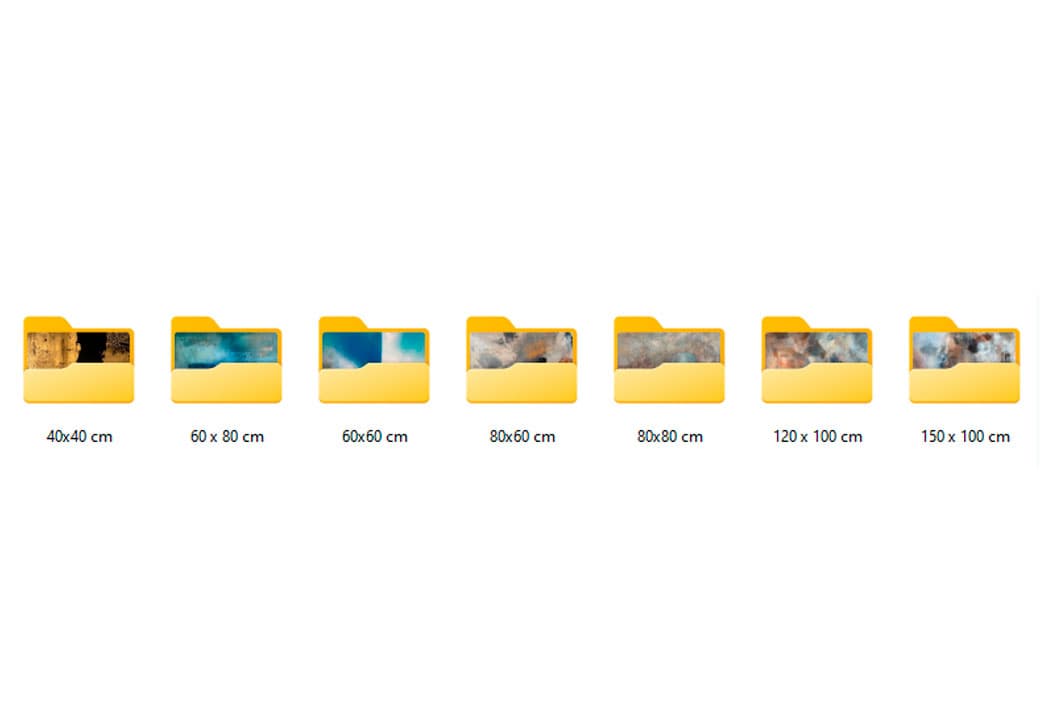
The digital approach to storing and cataloging your works can make the process smoother and more flexible. A practical way to manage this is by leveraging cloud services such as Google Drive and following some organizational steps.
First, it's important to name each painting systematically before saving them online. The naming should be precise and descriptive, including the title and/or size, colors, or other relevant details. This makes it easier to identify each painting when working with them later.
Once your paintings are named, you can start creating an organizational structure. You might sort them by size, color, or style—whichever aligns best with your artistic vision and needs. This structure not only makes it easier to locate specific paintings but also creates a more intuitive and visually coherent process.
Google Drive is an ideal tool for storing and organizing your paintings online. You can create folders for each category, such as "Abstract Paintings," "Landscapes," or "Portraits." Each folder can include subfolders based on additional criteria like size or color schemes.
One advantage of using Google Drive is that it allows you to access your paintings from any device with an internet connection. This means you can create and manage your gallery even when you're on the go, whether on a bus or a train. Mobile accessibility provides you with flexibility and the opportunity to work on your art without limitations.
When you're ready to create your online gallery, you can select the most representative paintings from your organized folders. This step simplifies the process of crafting a cohesive and visually appealing presentation on your chosen online platform.
Also read: