
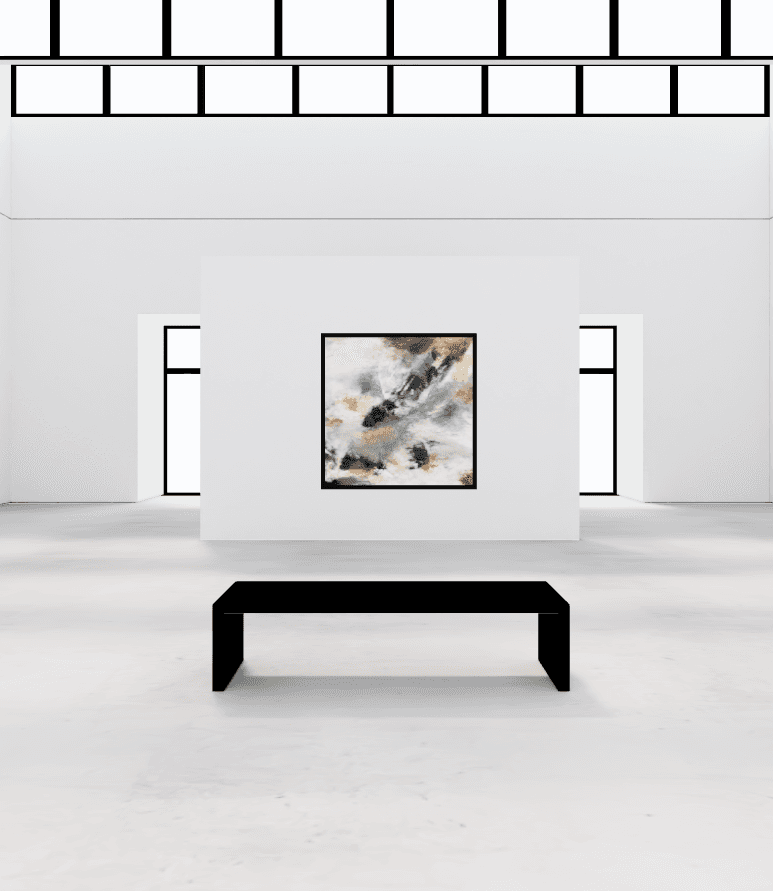
Room: Hammershøi
21 works in a skylit hall
White brick walls, a wooden floor and daylight from above. Hammershøi is the free room. Click a painting to see its size and price.
Walk through the exhibitionOnline art exhibition
Hold your next solo show, series launch or opening in a 3D gallery. Hang the work, pick a date and share one link with collectors and followers, wherever they are.
Free to start. Your visitors need no app and no account.
An online exhibition works like a show in a physical gallery. It has a theme, a set of works, a room and an opening. The difference is that anyone with the link can walk in, from any country, at any hour.
Gather a body of work in one room under your name, with a title, a story and a price for each piece.
Launch a series the day it's finished. Send one link to your email list and post it on Instagram.
Announce a date and publish the show that day. Everyone with the link can walk in, wherever they are.
Let collectors see new work first, behind a password, before you open the show to everyone.
Already showing in a physical space? Hang the same works in an online show, so people who cannot travel can see them, and keep it open after the physical one closes.
Before you hang anything
The planning is the same as for any show. These five decisions shape the visit.
Choose an idea that ties the works together: a series, a season, a place or a technique. The title becomes the name of your exhibition page, so it's what people see when you share the link.
A few strong pieces make a better show than everything you have. Pick works that hang well together. Want to see how one painting reads on a wall first? Try it in the free mockup tool.
The room sets the mood: a skylit hall, a museum with columns or a raw industrial space. Each work hangs at the size you enter, so visitors get a real sense of scale.
Give every work a title, a short story, its size and a price. Visitors see this when they click or tap the piece, next to your name and social links. Leave the price empty and the label says “Contact artist.”
Hang the show as a draft. A few days before, make it private with a password and send the link to collectors for a preview. On opening day, make it public. The link stays the same the whole way through.
The same works feel different in every room. Here are four of them. Hammershøi and Michelangelo are in the examples further down.
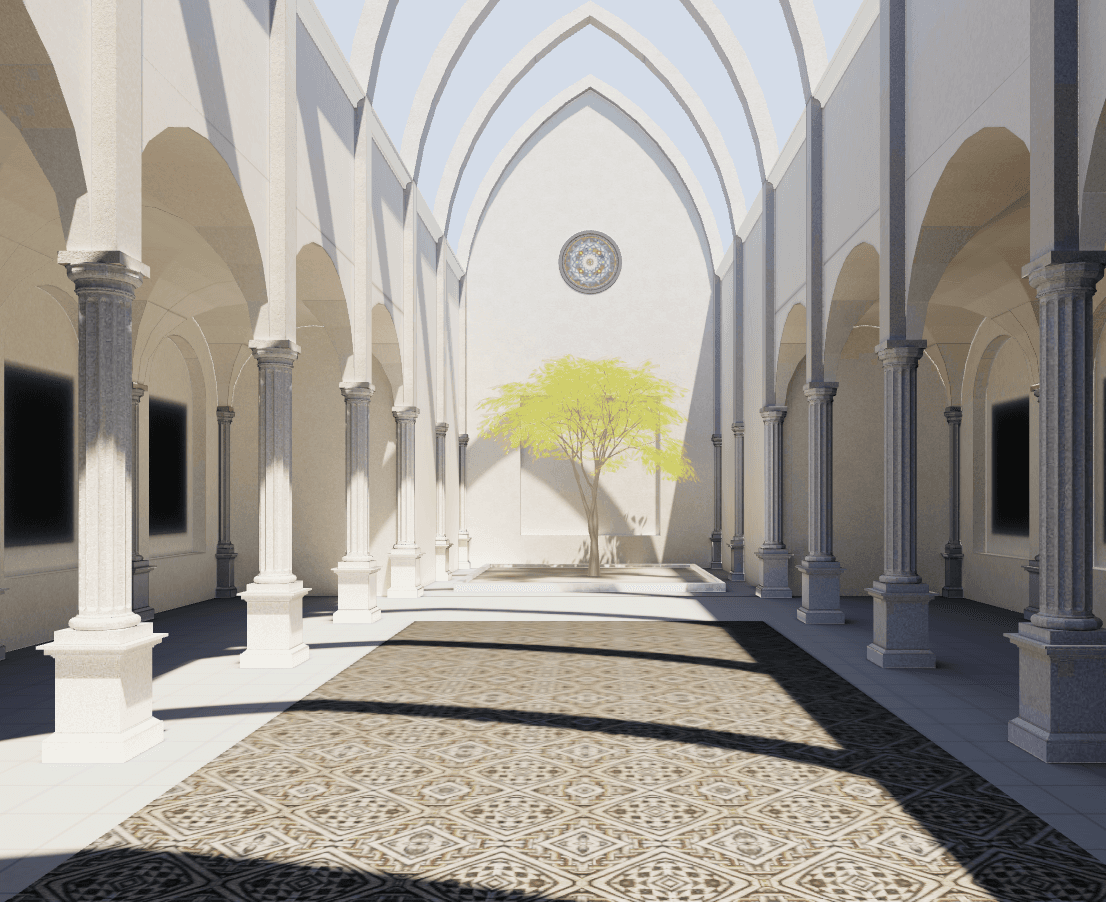
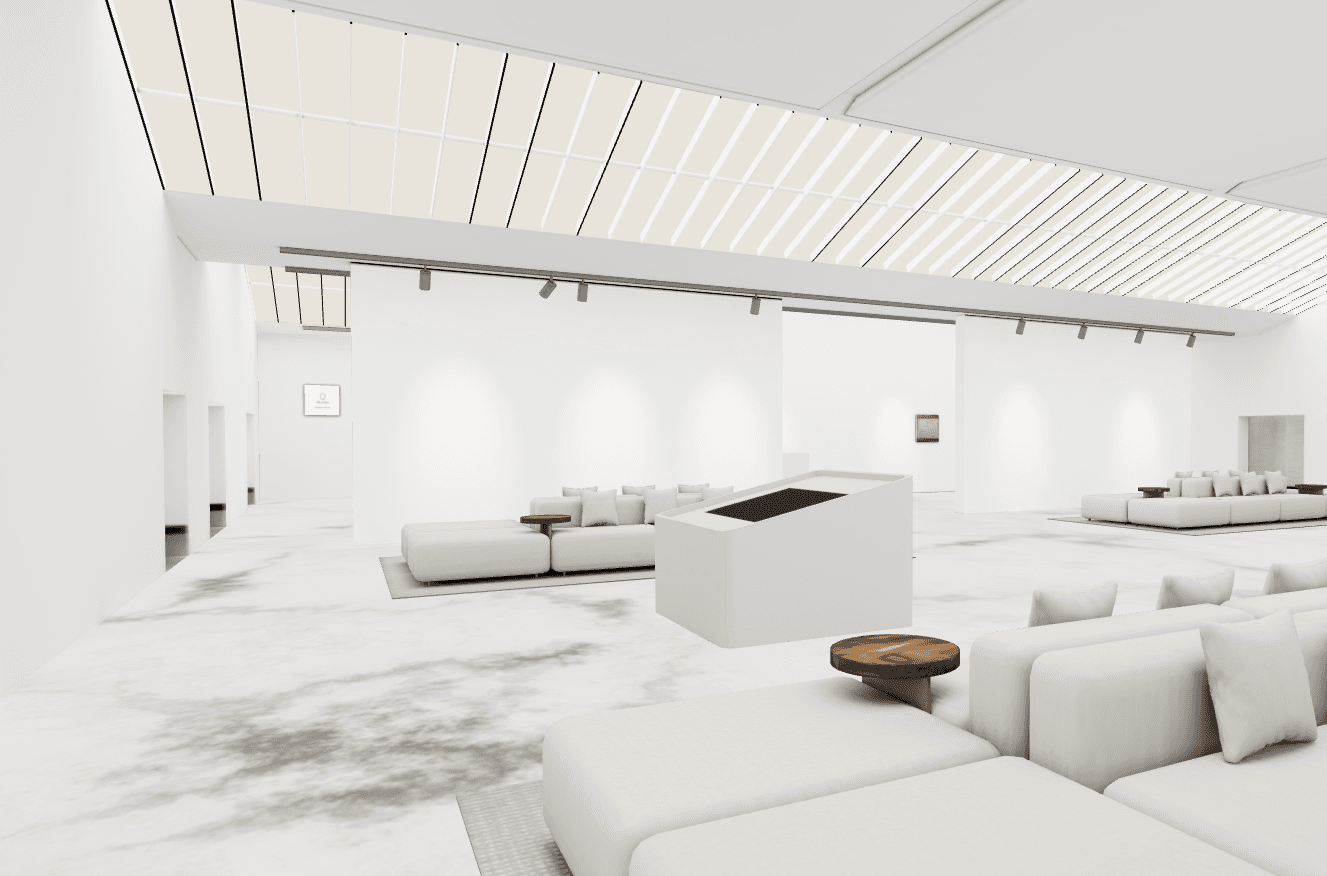
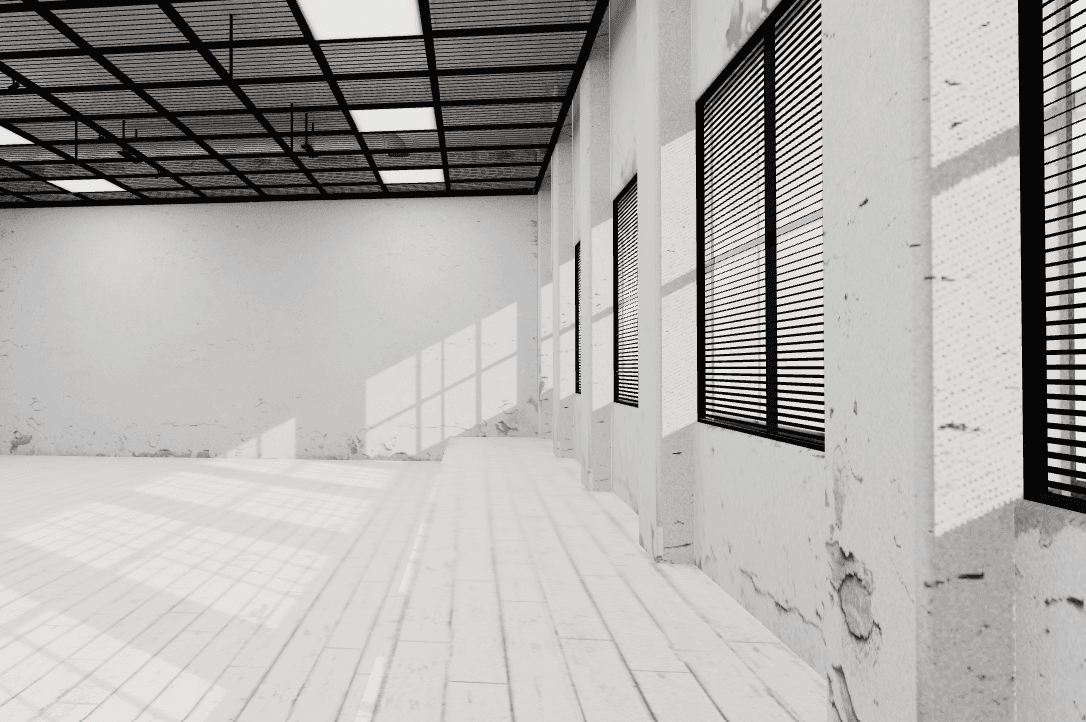
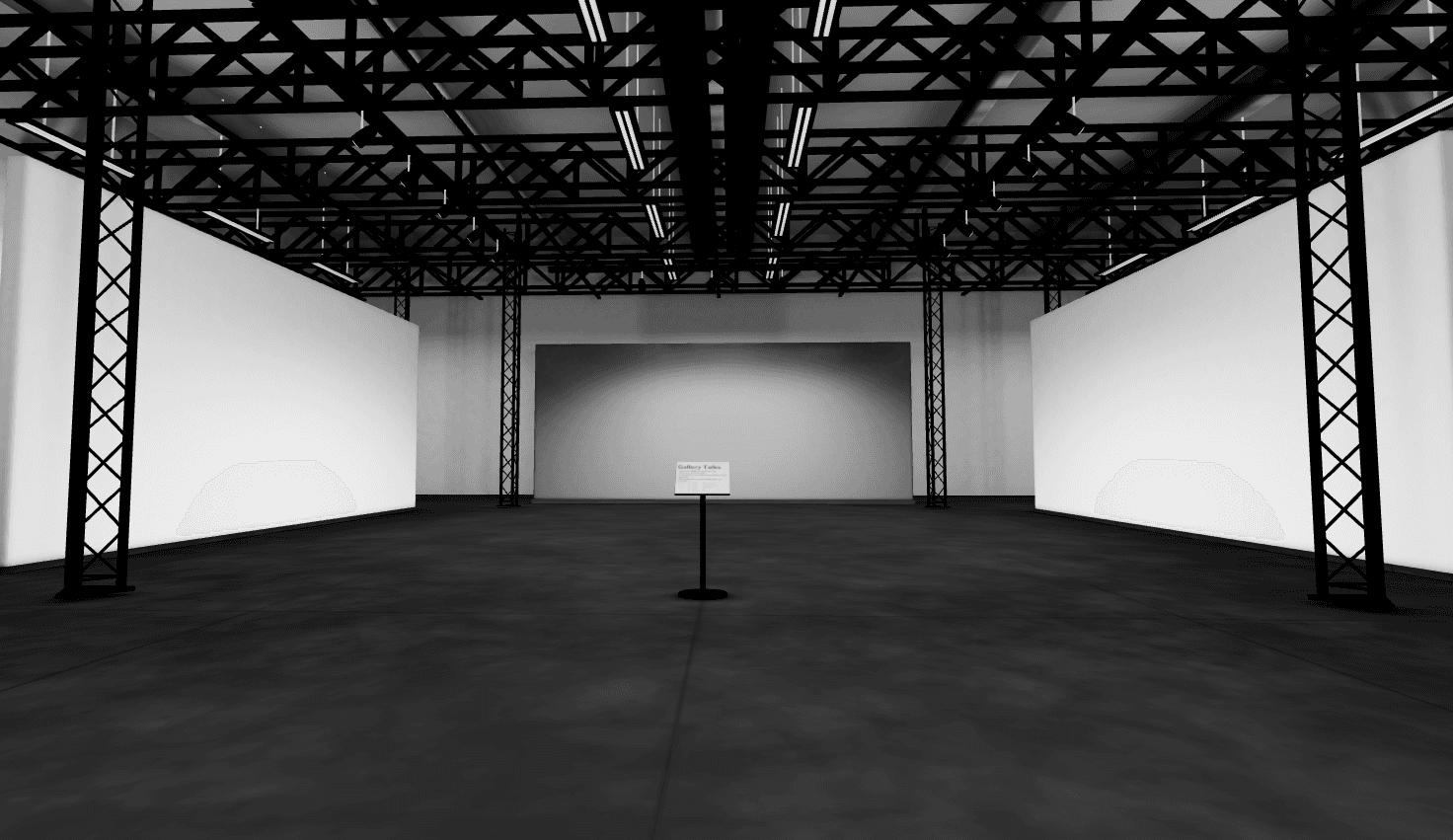
Every room is built in the browser with the same editor. Read more about the tool behind it.
Step by step
Step 1
Add paintings, photos or prints, with a title, size, price and story for each.
Step 2
Pick a room and place each work on a wall. Move them around until the hang feels right.
Step 3
Save the exhibition as a draft and walk through it yourself before anyone else sees it.
Step 4
Make it public, or private with a password, and send the link to the people you want there.
Want a closer look at the builder? See how to exhibit a gallery online.
A show needs visitors. These are the ways to bring them in.
Every published exhibition has its own link. Put it in your Instagram bio, your newsletter, an email to a collector or on your website. It opens in the browser on phones, tablets and computers.
Make the exhibition private and set a password. Only the people you give it to can walk in. Make it public later and the same link still works.
Record a tour of the exhibition from your dashboard and download it as an MP4. Use 16:9 for YouTube and your website, and 9:16 for Reels, TikTok and Stories. Video recording is part of the paid plan.
Need more ideas for getting the word out? Read How to promote your virtual art gallery: 7 tips.
The visit
Click the floor to walk there, or use the WASD or arrow keys. Drag to look around.
A joystick at the bottom of the screen moves visitors through the room. Drag to look around.
Click or tap a painting to see its title, story, size and price, with your name and social links.
Visitors just open the link. A short guide shows them the controls when they arrive.
Two public exhibitions on 360Artwork with the same mixed media paintings, hung in two different rooms. Open both and see how the room changes the show.
Room: Hammershøi
White brick walls, a wooden floor and daylight from above. Hammershøi is the free room. Click a painting to see its size and price.
Walk through the exhibition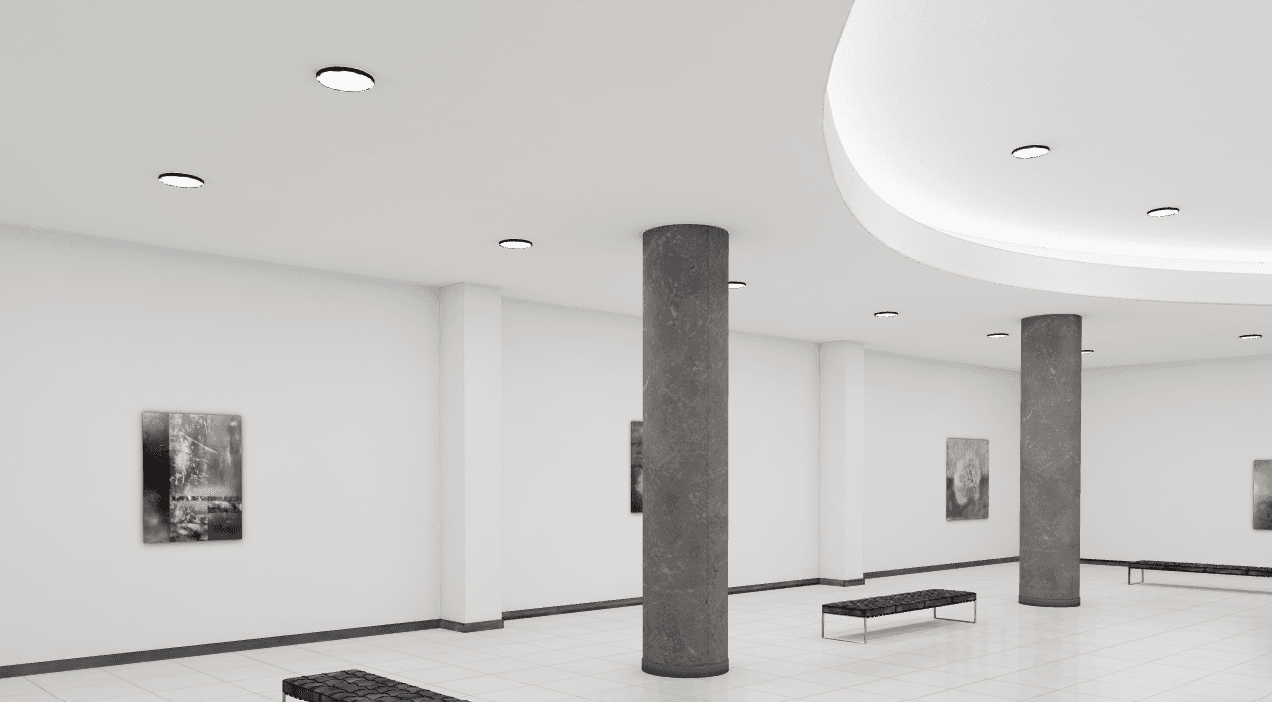
Room: Michelangelo
Stone columns, benches and long white walls give the same paintings a museum feel. Walk the room and stop where you like.
Walk through the exhibitionEach exhibition opens in a new tab. The 3D room takes a moment to load, especially on a phone.
It's a show of your work that people visit through a link instead of a door. On 360Artwork the works hang in a 3D gallery room that visitors walk through in their browser, at the size you entered, with a title, a story and a price for each piece.
Yes. You can sign up and publish your first online exhibition for free. Some rooms, larger shows and video recording are part of the paid plan. See pricing for what each plan includes.
No. The exhibition opens in the browser on a phone, tablet or computer. Visitors walk with the mouse, the keyboard or a joystick on the screen.
Yes. Publish the exhibition as private and set a password. Only people with the password can enter. When you switch it to public, the link stays the same.
Share the link where your audience already is: your Instagram bio, your newsletter and messages to collectors. A short video tour in 9:16 works well for Reels and TikTok. Our guide on how to promote your virtual art gallery has seven more ideas.
Visitors see the price you set and can find you through the social links on your profile. There is no checkout on 360Artwork, so sales happen directly between you and the buyer, and we take no commission.
As long as you want. You can edit it, make it private or take it down at any time. Exhibitions in rooms from the paid plan stay online while the plan is active.
The virtual gallery is the 3D room. The online exhibition is the show you hang in it: the theme, the works, the texts and the opening. Read more about the virtual art gallery behind it.
Pick the works, hang them in a room and send the link. It's free to start.
Create your exhibition