3D virtual art gallery
Create a virtual art gallery for your paintings
Upload your art, pick a 3D room and hang your work on the walls. Share one link, and collectors walk through your exhibition in any browser.
Free to start. No credit card needed.
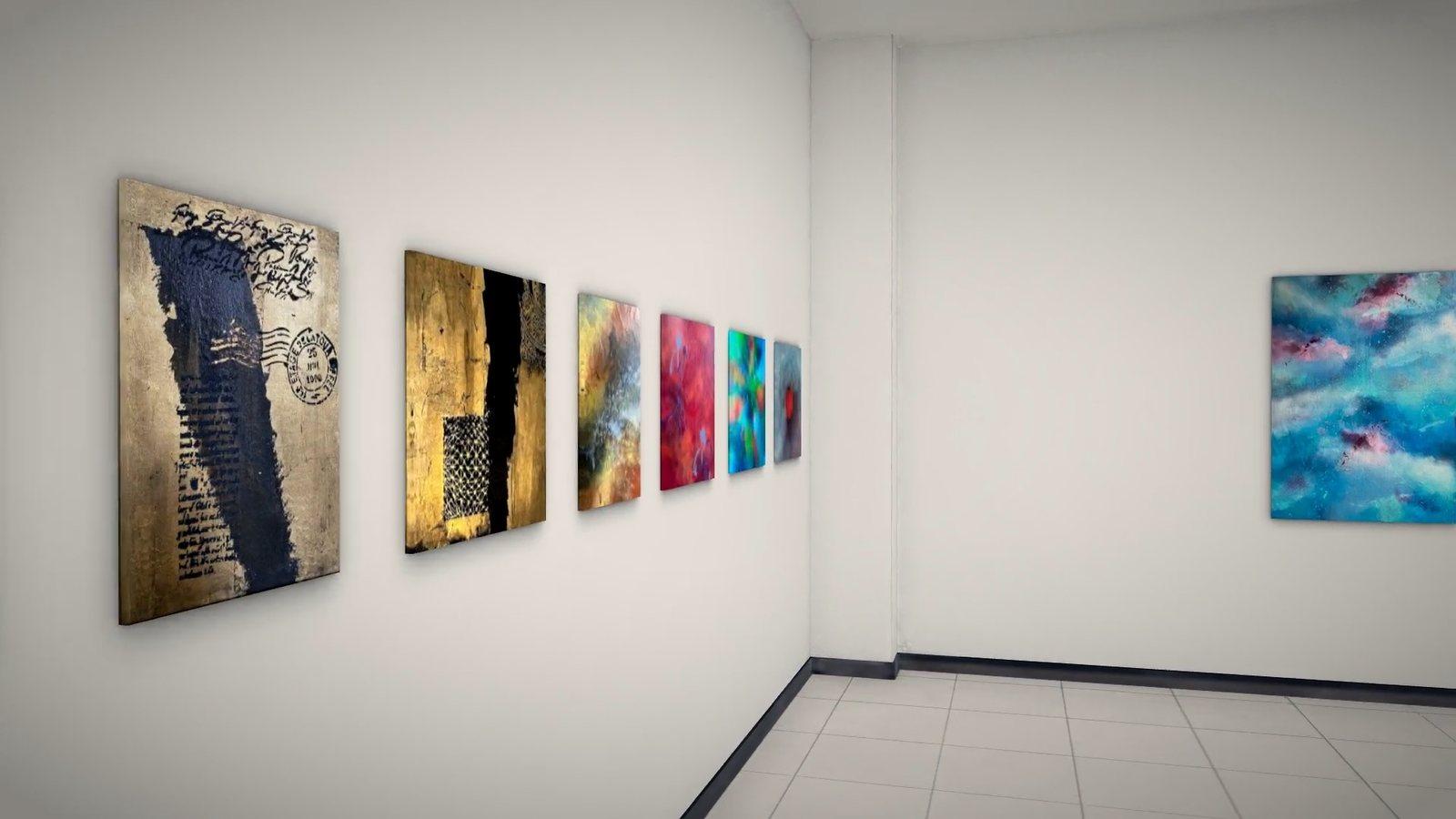
What is a virtual art gallery?
A virtual art gallery is an exhibition space you visit online. Your paintings hang on the walls of a 3D room at their real size, and visitors walk through it at their own pace on a phone, tablet or computer.
360Artwork is a virtual gallery creator made for artists. There is no code to write and no app to install. You build the room in your browser, publish it and share the link wherever your audience is: your Instagram bio, your website or an email to a collector.
Wondering if it is worth it? Read the 7 benefits of creating a virtual art gallery.
How it works
How to create a virtual art gallery in four steps
Step 1
Upload your art
Add photos of your paintings to your art library, with title, size, price and a short description.
Step 2
Choose a room
Pick one of seven 3D rooms, from a bright room under a skylight to a hall with arches and columns.
Step 3
Hang your paintings
Choose a wall for each piece, move it into place and add a frame if you like. Every work hangs at its real size.
Step 4
Publish and share
Publish the gallery and get your own link. Turn on a password if only invited guests should get in.
You build the gallery on a computer. Your visitors can open it on any phone, tablet or computer.
Create your galleryThe rooms
Seven 3D rooms for your virtual exhibition
Each room has its own light, walls and mood. Start free in Hammershøi, or open every room with the Gallery Package. New rooms are added over time.

Hammershøi
A bright room under a large skylight, with a wood floor. This is the free room for your first exhibition.
Walk through a live gallery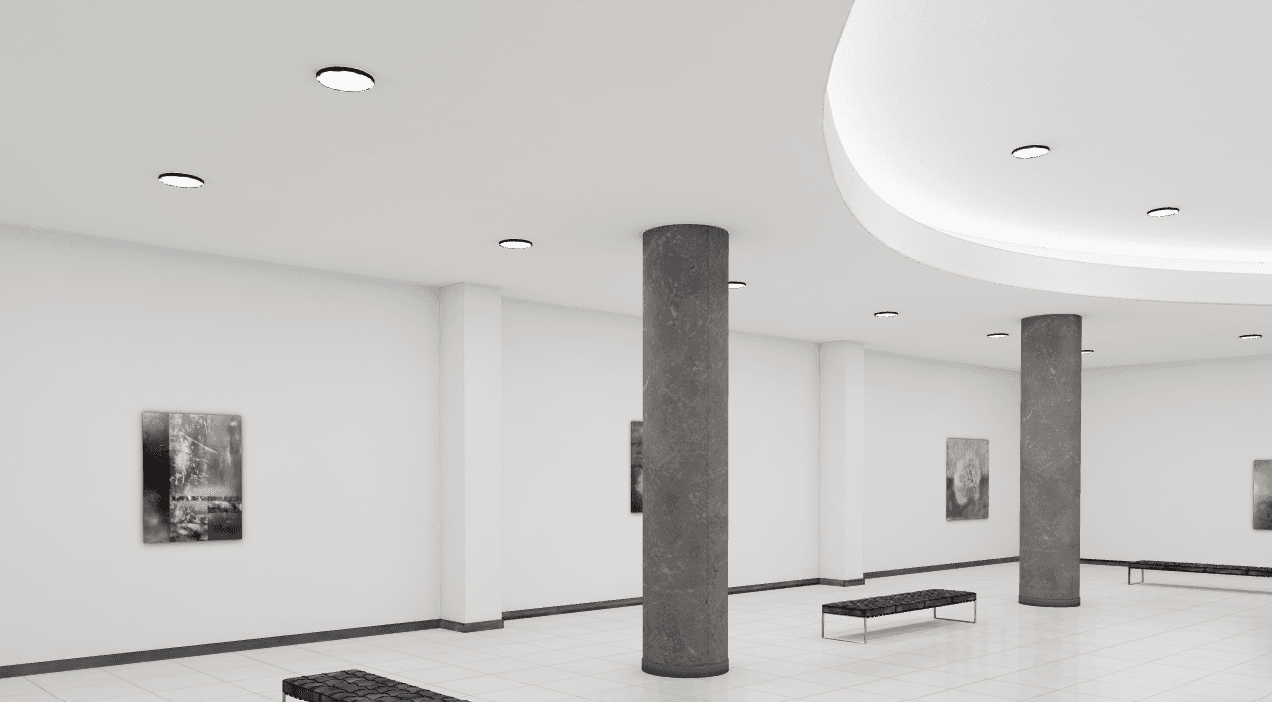
Michelangelo
Gallery PackageVaulted ceiling, columns and eight walls.
Krøyer
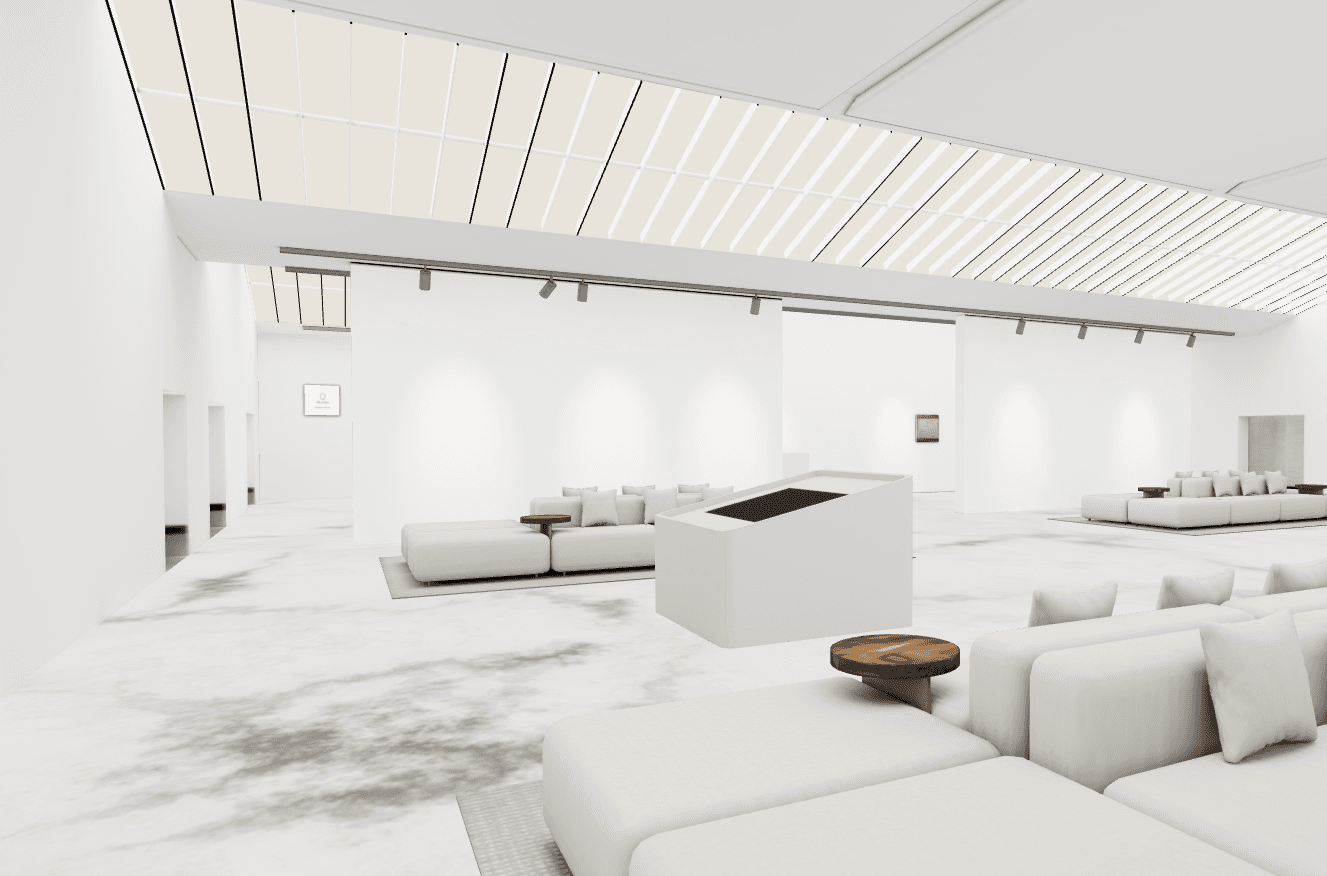
Gallery Package14 walls and lounge areas.
Malevich
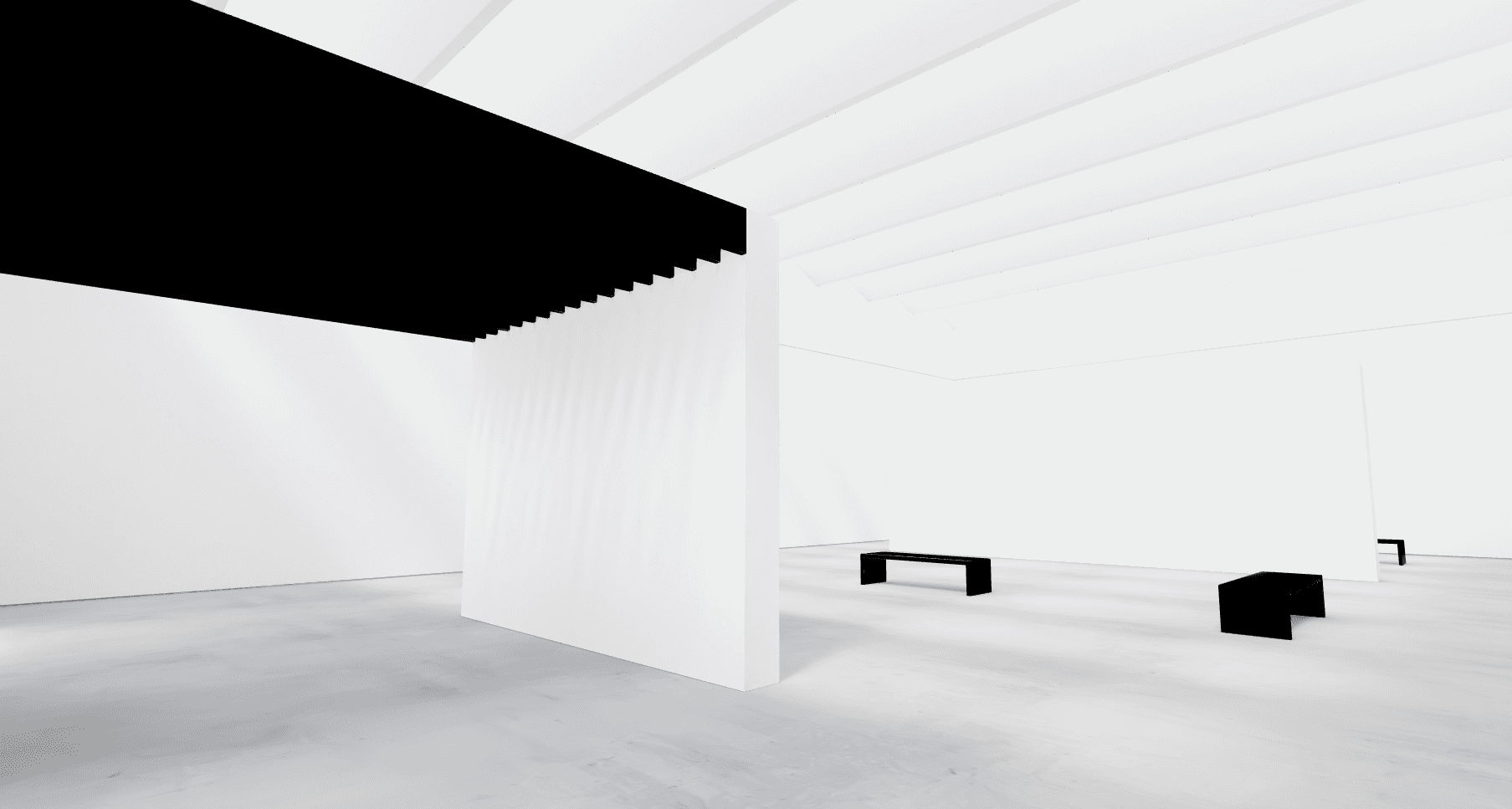
Gallery PackageMinimalist room with open sightlines.
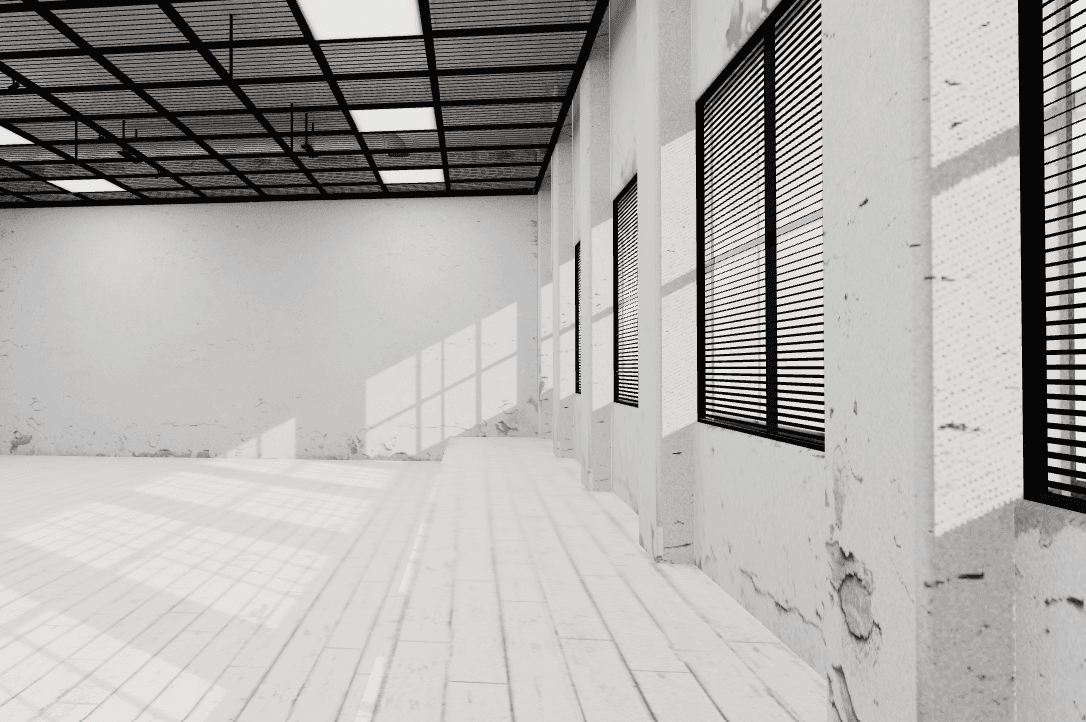
Rembrandt
Gallery PackageRaw space with weathered walls.
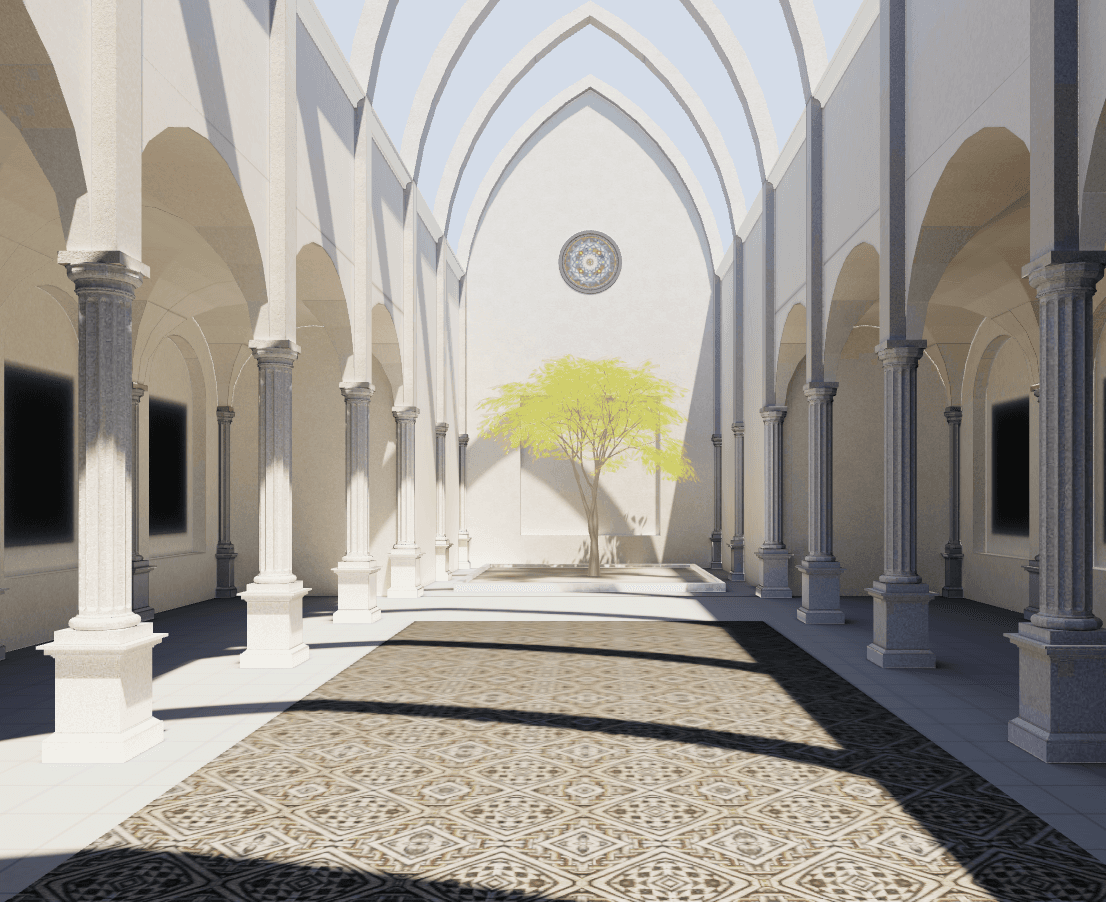
Giotto
Gallery PackageArches, columns and 10 painting spots.
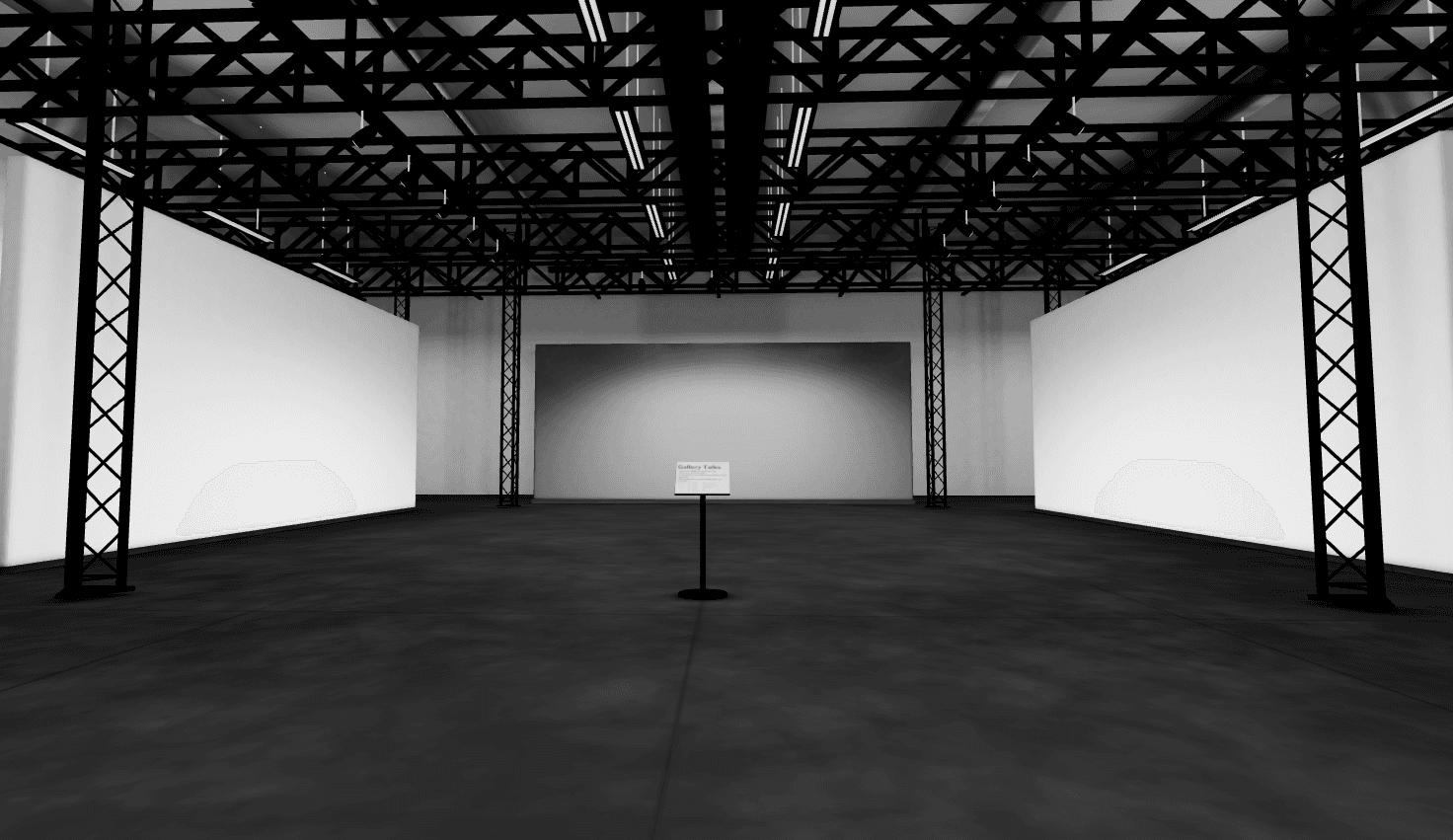
Léger
Gallery PackageIndustrial space with partition walls.
Features
Virtual art gallery software made for artists
Use it as virtual exhibition software for a solo show, a new series or a private viewing for collectors.
Password protection
Make a gallery private. Guests enter a code before it opens, which works well for previews and private viewings.
One link for everything
Every published gallery gets its own link. Put it in your Instagram bio, on your website or in an email to a collector.
Video tours
Record a tour of your gallery and download it as an MP4, ready for YouTube, Reels, TikTok and Shorts.
Details on every piece
Visitors click a painting to see its title, story, size and price.
No app needed
The gallery runs in the browser. On a phone, visitors walk with a joystick and drag to look around.
Mockups included
The Gallery Package also gives you more than 300 room mockups to show your paintings on real walls.
Want to see your painting on a wall right now? Try a free mockup, no sign up needed.
Video tours
Record your gallery in 16:9 for YouTube and your website and 9:16 for Reels, TikTok and Shorts
Turn your virtual exhibition into a short film. Pick a format, press Record and the camera walks through your room. You download the video as an MP4. Here is our Michelangelo room in both formats.
Video recording is part of the Gallery Package.
Pricing
Start free. Upgrade when you want more rooms.
Free
$0
Use it for as long as you like.
- One gallery in the Hammershøi room
- Up to 10 images
- Your own link to share
Gallery Package
$14.99/month
Or $149 a year, so you pay for 10 months.
- All seven gallery rooms
- Unlimited images and exhibitions
- Video tours in 16:9 and 9:16
- More than 300 mockups included
Only need mockups? The Mockups plan is $8.99 a month.
Questions about virtual art galleries
Yes. The free plan gives you one gallery in the Hammershøi room with up to 10 images, and you can use it for as long as you like. The Gallery Package unlocks all rooms, unlimited images and as many exhibitions as you want.
Yes. You can exhibit anything that hangs on a wall, such as posters, photos, prints, or before and after images if you are an interior stylist.
Yes. Next to the width and height of each piece there is a field for a description. Use it for materials, the idea behind the work or anything else you want visitors to know. They see it when they click the painting, together with the title, size and price.
When your gallery is ready, you get a link. Add it to Instagram, Facebook or your website, or email it to customers and friends. You can also record a video of the gallery and post it on social media.
Yes. Turn on password protection when you publish, and guests have to enter the code before the gallery opens.
No. Once you have a package, you can use all the rooms in it as often as you like. New rooms are added over time.
No. Cancel any time before your next payment date. You find the date under Manage Subscription in your profile.
No, the gallery editor needs a bigger screen, so you build your gallery on a computer. Your visitors can open the finished gallery on any phone, tablet or computer.
Take photos that are as true to the painting as you can. Try a few rooms in your home and pick the photo that looks most like the original. Watch out for cameras that make muted colors look loud, because a buyer should recognize the painting when it arrives.
More answers on the FAQ page.
Get more visitors to your gallery
Ready to create your virtual art gallery?
Upload a few paintings, pick a room and share your link today. It is free to start.
Create your gallery